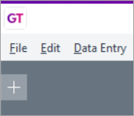
You can search for words or phrases anywhere in the Greentree database by using the global search feature. To access the global search, click the plus icon at the top left of Greentree Desktop, then click Global search.
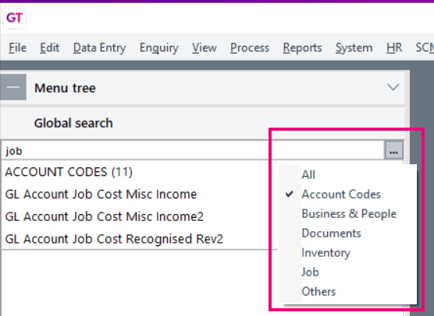
In the global search field, type a word or character that’s in the name/code/description of the item. The results are organised into categories.
To only show results for a single category, click the three dots icon next to the search field and choose a category.