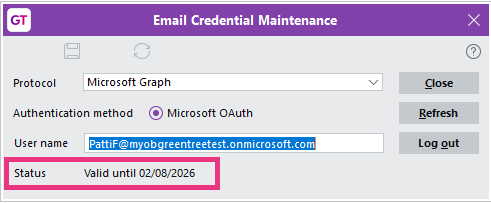
Microsoft have announced that they will be retiring Exchange Web Services for Exchange Online on 1 October 2026. As a replacement, Microsoft Graph was added to MYOB Greentree in version 2026.1. Learn more.
If your system uses Microsoft Exchange Web Services, you need to refresh email credentials to use Microsoft Graph. After upgrading to 2026.1:
- Go to System > System Setup > General System Preferences.
- On the Email tab, click Credentials.
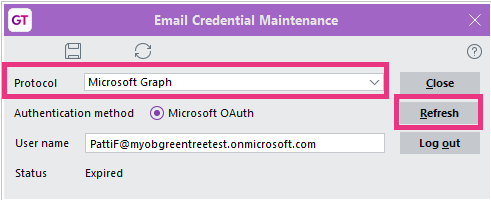
- Select Microsoft Graph as the Protocol and click Refresh.
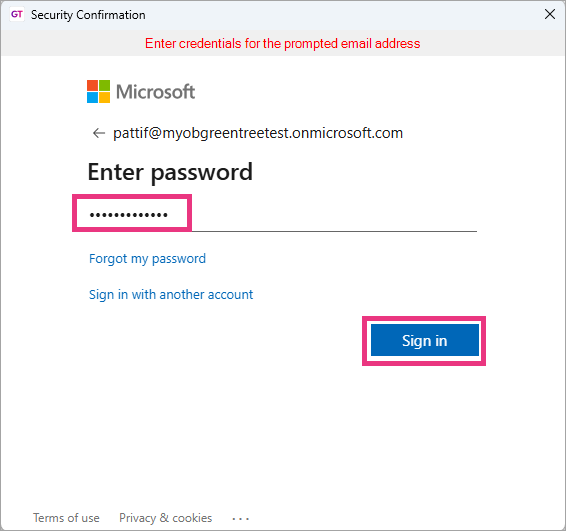
- Enter the password for the email address and click Sign in.
After logging in, the email credential Status is updated with a new Valid until date.