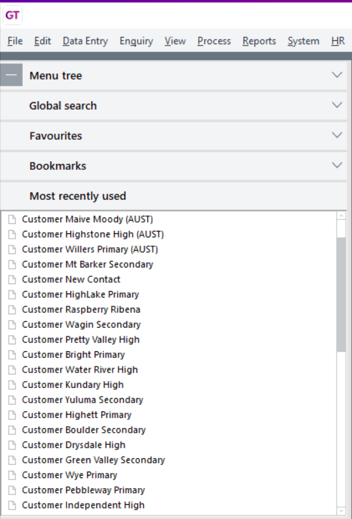
Want to quickly get back to a recent record you looked at? Have customers, stock or suppliers that you regularly need to review? You can easily re-open previously accessed masterfiles or transactions from the Most recently used menu.
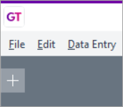
Click the plus icon at the top left of Greentree Desktop, then click Most recently used. Double-click a form in the list to open a record.