
Before you can start using MYOB Acumatica's AI features, you need to go to the Enable/Disable Features screen (CS100000) and turn them on.
- Log in to MYOB Acumatica as an administrator, and go to Enable/Disable Features (CS100000).
- Click Modify.
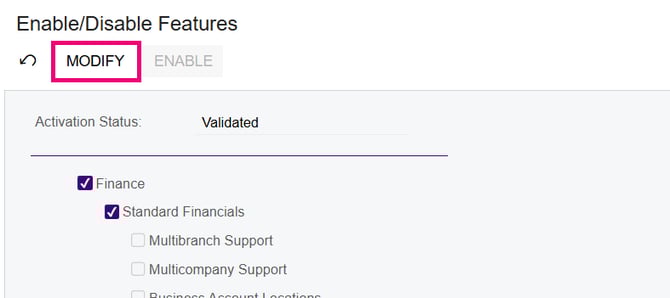
The feature tickboxes become active. - Select all of the following features:
- Image Recognition for Expense Receipts
- AP Document Recognition Service
- Experimental Features
- Intelligent Text Completion
- Detection of Numberic Anomalies in Generic Inquiries
- AI Studio
- AI Automation
- Click Enable to save the changes.
You're ready to start using the new features! For your next steps, see:
- Getting started with intelligent text completion
- Getting started with AP document recognition
- Getting started with image recognition for expense receipts
- Getting started with anomaly detection in generic inquiries