
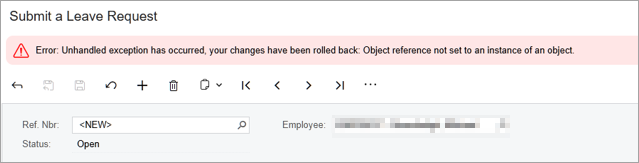
When submitting a leave request (e.g. annual leave) on behalf of an employee, you might get one of these errors:
- "Error: Unhandled exception has occurred, your changes have been rolled back: Object reference not set to an instance of an object"
- "Leave already exists for this period"
Fix the error by ensuring calendars match
These errors can occur when an employee has been assigned more than one calendar. To fix the error, make sure that the same calendar is selected in the following fields:
- The Calendar field on the General tab of the Employees (EP203000) form.
- The Employee Calendar field on the Pay Groups tab of the Pay Details (MPPP2310) form.
After updating the employee's calendar, try submitting the leave request again.